
Pluvoo Studios / Games / Stackyard
Stackyard
Clear the yard, one pull
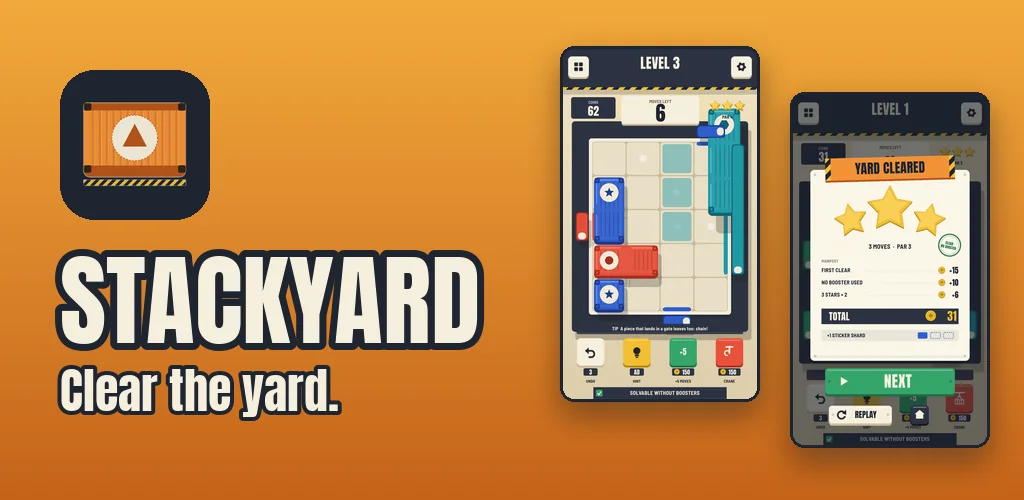
Slide containers to matching gates. One pull can drop a whole column.
Slide containers across a yard to the gate that matches their colour, and watch one pull collapse a whole column into a chain of exits.
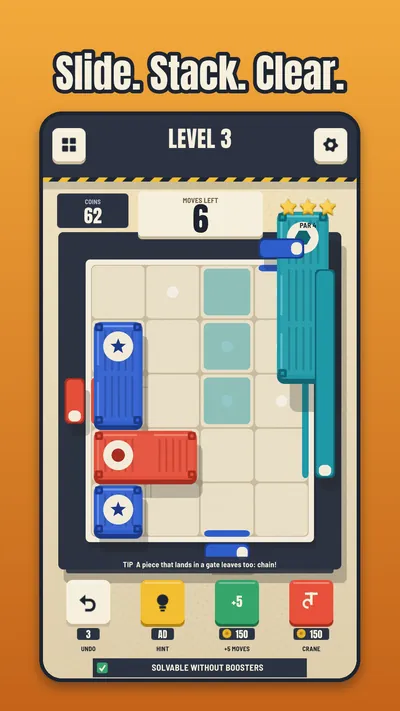
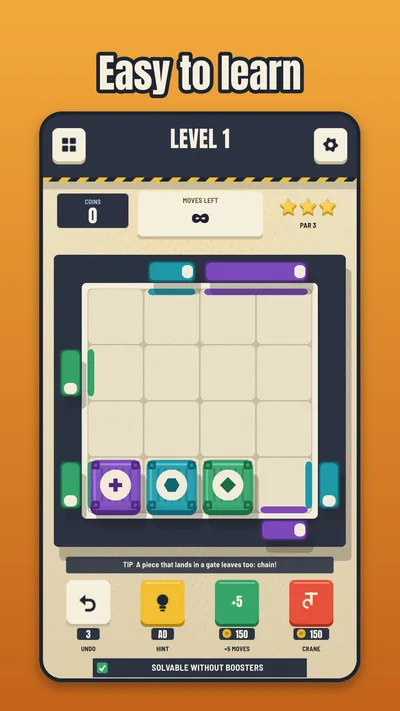
Stackyard is a one-finger slide block puzzle. Drag a container across the grid and line it up with a gate of the same colour. When it exits, gravity takes over: everything above it drops, and if the pieces land in the right place, the next ones leave too. Plan the order of exits and one pull can clear the yard.
How it plays
Drag a container
Slide a container across the grid with one finger.
Match the gate
Line it up with a gate of the same colour and it exits the yard.
Watch the stack fall
Gravity drops everything above it. Plan the order of exits and one pull can clear the whole yard.
Screenshots
Why you will like it
- Satisfying slide puzzle: drag, snap, exit, then watch the stack collapse in a chain
- Gravity changes the puzzle: the order of exits matters, not only the paths
- Every level is solver-checked to be solvable without boosters, so you never hit a wall
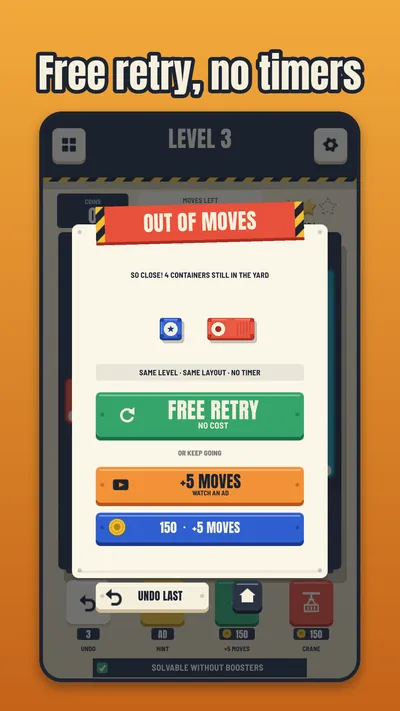
- Free undo and free retry: experiment as much as you like
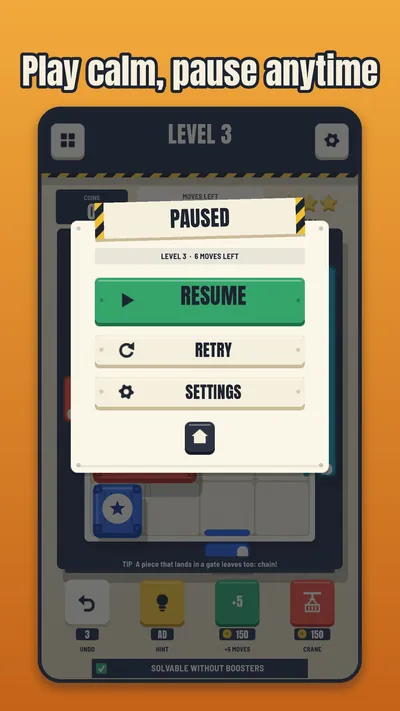
- No timers, calm pace, and levels of 45 to 120 seconds
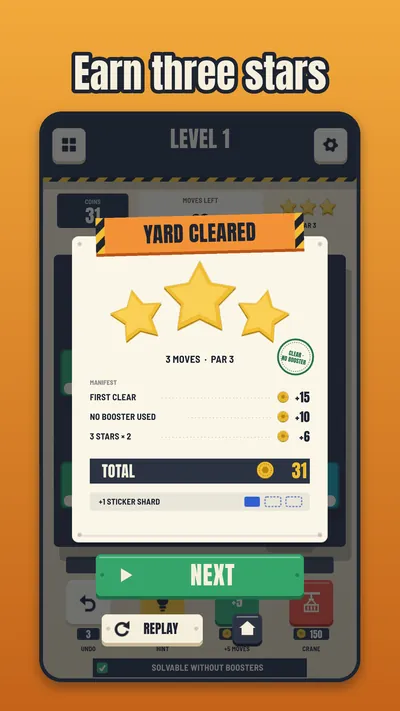
- Move limits and star ratings give you a goal when you want to master a level
- Built for one hand in portrait mode, and it plays offline
Questions
Is Stackyard free?
Yes. Stackyard is free to play and supported by ads. There are no in-app purchases planned for this version.
Do I need an account?
No. There is no sign-up and no account. Your progress is stored on your device.
Does it work offline?
Yes. Stackyard plays offline. Ads and anonymous usage statistics only load when you are connected.
What data does the game collect?
Only what is listed on the Stackyard privacy page: advertising and anonymous usage analytics, and you choose whether ads are personalised where the law requires a choice.
Where can I play it?
The game is in development and has not been released in the stores. Check this page for release updates.
How do I report a problem or ask for help?
Write to contact@pluvoostudios.com with the game name, your device model and what happened. See also Support.